|
ViewFinder™ Tutorial Step-by-Step PowerPoint Instructions for Scanning Workflow This tutorial of our ViewFinder Digital Capture Control Software was created to help our new owners' get a more successful start in understanding the capabilities of this application, and achieve higher quality results from their camera system...right from the first scan!  DOWNLOAD THE TUTORIAL...just a click away DOWNLOAD THE TUTORIAL...just a click awayPDF File 18.2 MB
|
||||||||||||||||||||
 |
||||||||||||||||||||
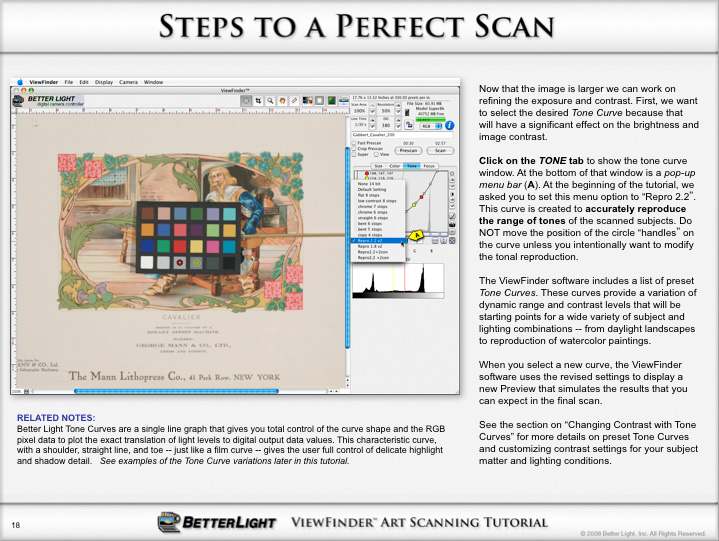
| The image above is a sample from the PowerPoint tutorial. The presentation walks you through the scanning process step-by-step with text to explain what to do...just like having a personal trainer at your side (...well, almost!). Notations below the screen ( "Related Notes") give some additional insight into the photographic techniques so you know why you are doing each step. | ||||||||||||||||||||
 |
||||||||||||||||||||